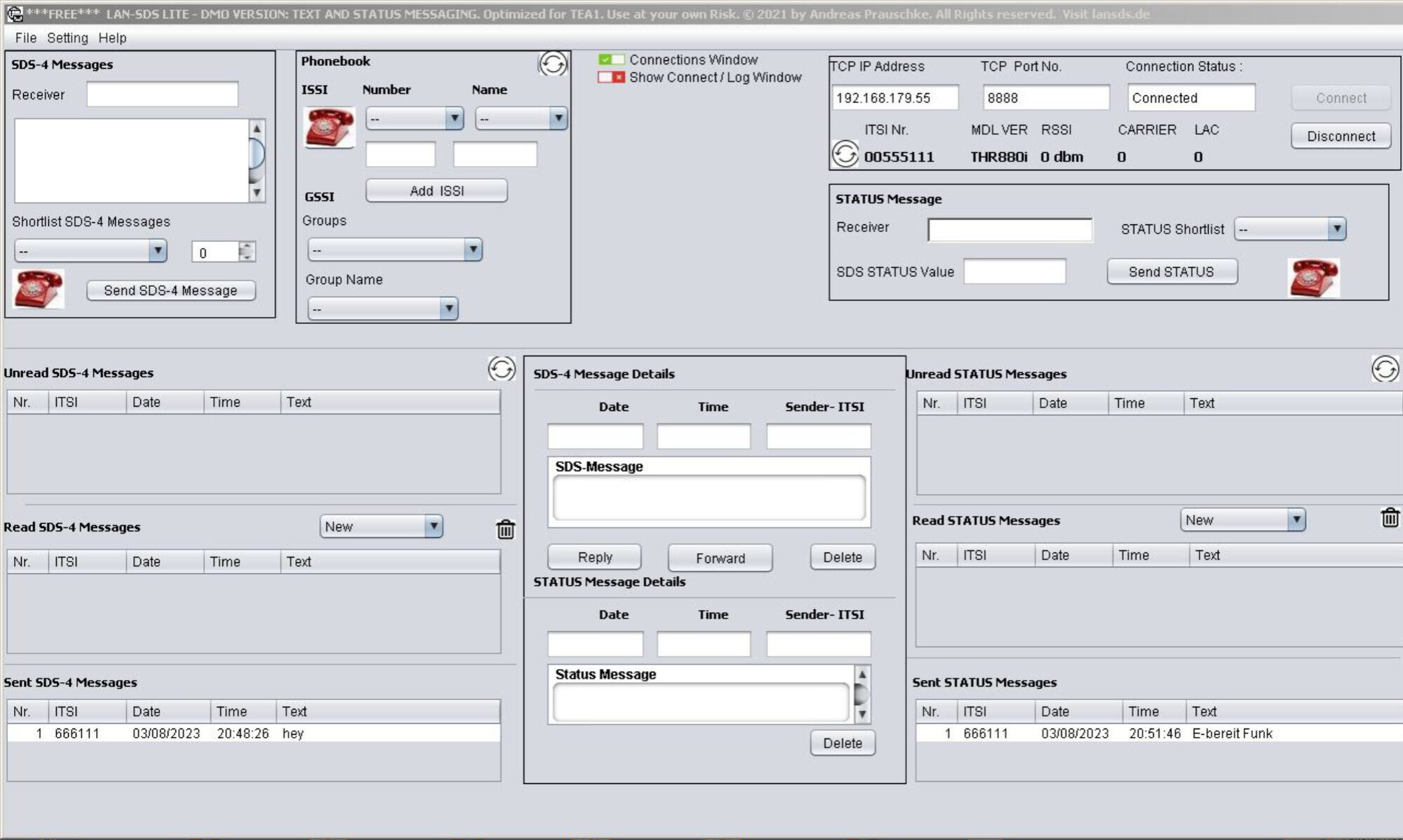
Hardware
a) 1x Cassidian Tetra Radio Terminal ( Sender) => Control Station
b) 1x Cassidian Radio Terminal ( Receiver )
c) 1x Perle IOLAN Device with Data Cable
Software:
a) 1x Picture Server Application running on a Mini PC, Raspberry or Windows PC or Linux with Java 1.8 Version
Minimum Setup :
- 1x Data Cable for THR880i, THR9, TH1n, TMR880i, TDM880i, TDR880i, TW1m or P8GR which have been tested with all but not TDM880i, TDR880i and Tw1M that have the AT Command Capability according to its Datasheet.
- Windows or Linux PC or any Device that runs JAVA 8_91 , 2GB RAM is Minimum Requirement for the Lite Version and 8GB RAM for the Full Version that needs a Database or Database Package as like WAMP or LAMP which include a Maria DB 5.5 Version
- Supported Cassidian Radio Terminal Firmware is 6.69 up to 7.71
- “AT Command Set” Parameter via TPT or TAQTO must be v.7.2
- Java Version must be 8u91 version.
Serial to IP – Professional Setup:
Add an external Serial to TCP/IP Converter Hardware and connect the Cassidian Radio Terminal into the LAN. Recommended Hardware is “Perle IOLAN Device” -> Data Cable -> Cassidian Tetra Device.